Making the Robot Move in Teleop
Working teleop code should already be in place. To download the code, first make sure your radio is configured. Next, connect your laptop to the robot’s wifi and download the code by pressing F5. Finally, open driver station and enable the robot.
Warning
BEFORE YOU ENABLE THE ROBOT, MAKE SURE THERE IS NO ONE NEAR THE ROBOT WHEN YOU ENABLE. WHEN YOU DO ENABLE, SHOUT “ENABLED” TO MAKE SURE EVERYONE AROUND KNOWS THAT THE ROBOT IS ENABLED.
Make sure that when you push the left joystick forward, the robot moves forward, and when you push the left joystick backwards, the robot moves backward. As for turning, when the right joystick is pushed left, the robot turns left, and when the right joystick is pushed right, the robot turns right.
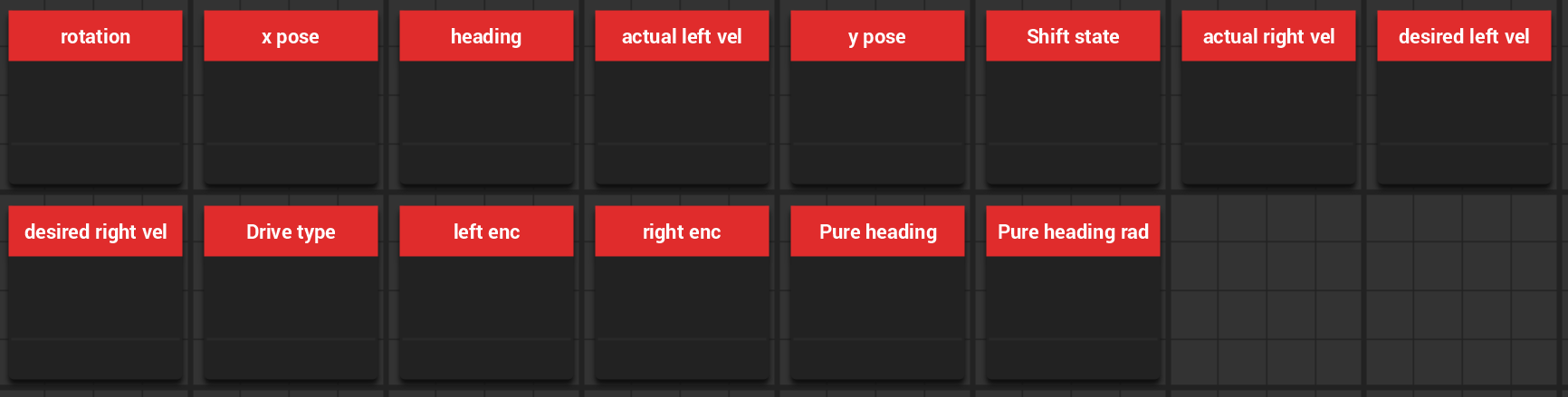
While testing these features, make sure that the encoder values also correspond to the way the
robot is moving. If that is not the case, reverse the encoders/motors in Chassis.java. You
can read encoder readings in shuffleboard.